How Zurel streamlines project-specific exhibits from start to finish
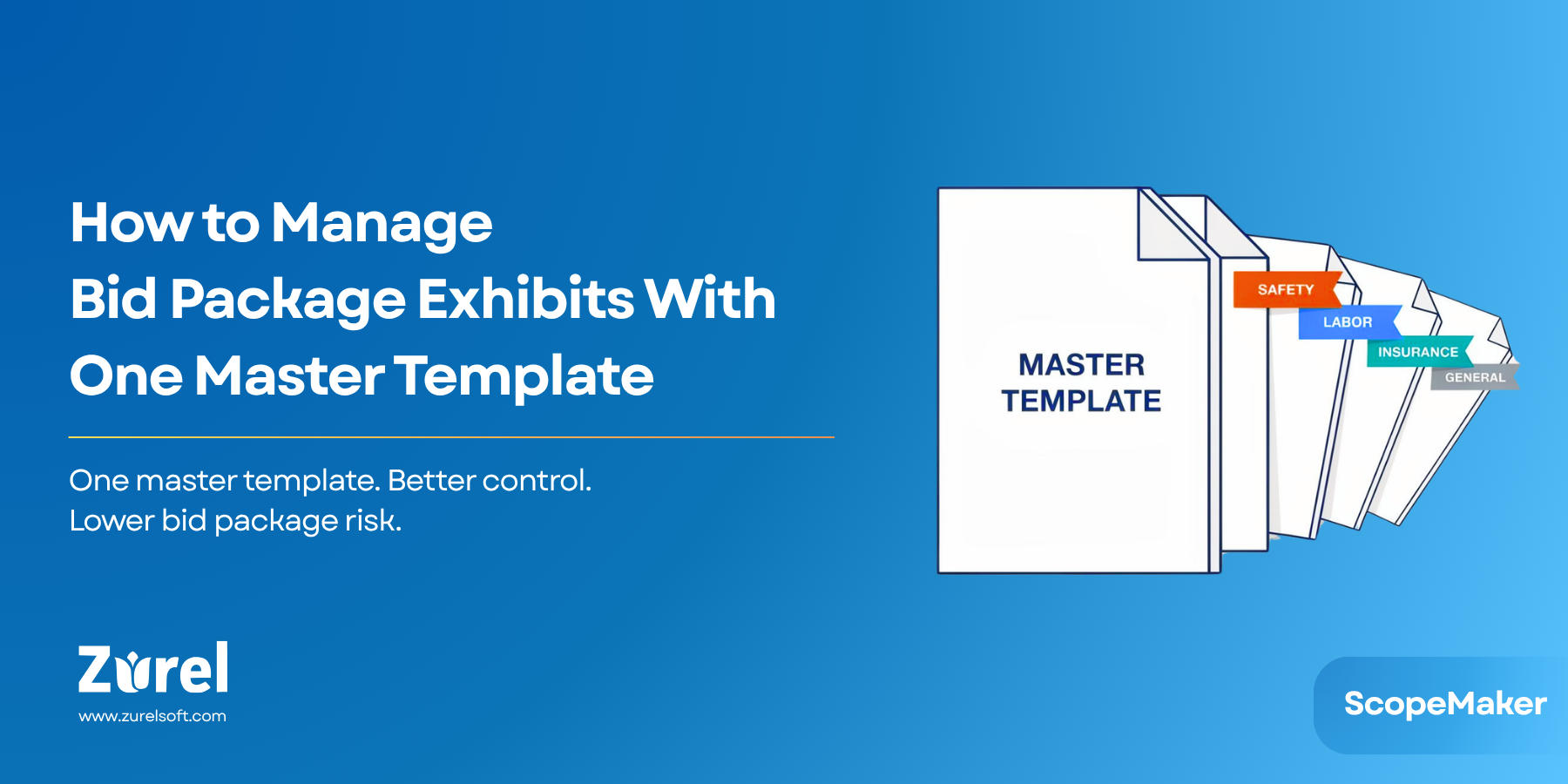
In our last post, we explored Master Templates—your reusable foundation for creating consistent bid package exhibits across multiple projects—and how Zurel turns static templates into dynamic, intelligent tools. Master Templates solve one important part of the challenge: ensuring that your organization has a reliable starting point and institutional knowledge that can be applied again and again.
But in reality, every project brings its own unique requirements. That’s where Project Templates come in. Unlike Master Templates, which bring consistency across projects with standardized, organization-specific language, Project Templates bring consistency across all bid packages within a single project. They focus on project-specific verbiage—requirements, directives, and clauses that are unique to that job—while still often inheriting the organizational standards from a Master Template.
In practice, Project Templates are frequently created by starting with a Master Template, then tailoring it with the project-specific language, clauses, and instructions needed for that job. Once refined at the project level, the template is copied and further tailored for each trade, ensuring that both organizational consistency and project requirements are preserved across all bid packages.
The problem? Using project templates the traditional way—through Word or similar tools—creates a whole new set of challenges. What should bring consistency often ends up introducing inefficiency, duplication, and risk. Let’s break down the biggest challenges of using project templates, and how Zurel provides a better way.
1. The Challenge of Waiting for the Template to be “Final”
The Problem
One of the biggest challenges with the traditional method of using project templates is that the template has to be fully completed before it can be used to generate trade-specific exhibits. If there is language or content that applies to all trades, that content must be finalized and included before the project template can be copied. This creates a long pole in the process, delaying work on trade-specific scopes until the project template is fully ready. And if there is ever a need to add or update project-specific language after trade-specific exhibits have already been created, the team must go back and manually edit every single trade exhibit one by one.
The Solution
Zurel’s Inherited Copies eliminate this bottleneck. You can begin creating trade-specific exhibits right away, even while project-wide content is still being developed. Any updates you make to the project template automatically flow into all associated trade exhibits—except for line items that have already been customized for each trade. For those, you still have the option to revert back to the project template’s version with a single click. This means work on trade-specific scopes can start earlier, without sacrificing consistency or increasing risk.
2. The Challenge of Creating Trade Copies
The Problem
In the traditional method, once you’re finally ready with your project template, the next hurdle is creating the trade-specific exhibits. This step quickly becomes a tedious and repetitive chore. Starting with your project template, you must manually create a separate file for each trade, rename it appropriately, and then repeat the process again and again. On large projects, this can easily mean 35 or more exhibits created one by one. The repetition not only consumes valuable time but also multiplies the chances of human error—misnaming files, skipping a trade, or overwriting the wrong document. What should be a straightforward task often becomes a drain on resources and patience.
The Solution
With Zurel, generating trade-specific exhibits from a project template is no longer a manual slog. Instead of copying and renaming files one at a time, you simply select the project template, choose your trades, and let the system do the rest. In just a few clicks, you have correctly named exhibits ready for use. What once required hours of mind-numbing repetition now takes only minutes, allowing your team to focus on the content that truly matters.
3. The Challenge of Protecting Critical Content
The Problem
Once the trade-specific copies of the project template are created, the team begins editing those copies to tailor them for each trade. This process brings a serious risk: project-specific language or clauses that should remain consistent across all trades can be accidentally edited or removed. In traditional tools like Word, there’s no safeguard in place—everything looks editable, and you’re forced to rely on the discipline and attention of each team member. Once altered, these changes might go unnoticed until it’s too late—creating legal or contractual risks.
The Solution
Zurel lets you lock critical line items. Locks can apply to the entire project or be trade-specific, and only authorized users can remove them. This ensures critical language remains intact while giving editors freedom to adjust the parts meant to be customized.
4. The Challenge of Manual Placeholder Replacement
The Problem
Continuing with the traditional workflow, after protecting content the next hurdle is replacing placeholders. Every exhibit includes placeholder text—like “[Trade Name]” or “[Bid Package Code]”—that must be updated manually. This find-and-replace process is not only slow but highly error-prone. A missed placeholder can embarrass your team in front of bidders, while over-aggressive replacements can unintentionally change unrelated content.
When multiplied across dozens of documents, manual find-and-replace becomes a minefield that drains time and undermines confidence in the final package.
The Solution
Zurel uses contextual keywords instead of static placeholders. Assign a value once—like “Electrical” for [{TradeName}]—and Zurel updates every instance across all documents. If a keyword is missing a value, it’s highlighted for easy spotting. The result: accurate, consistent replacements across every bid package.
5. The Challenge of Losing Track of Changes
The Problem
Once trade exhibits are edited, it’s nearly impossible to tell what has diverged from the original project template. Reverting changes means tedious manual copy-and-paste.
Without clear visibility, consistency suffers and mistakes spread.
The Solution
Zurel flags every line item that differs from the project template. Need to revert? One click restores the original content and reestablishes inheritance. This transparency keeps everyone aligned and preserves the integrity of the template.
Final Thoughts: Project Templates Without the Pain
Project Templates are the bridge between your Master Templates and your trade-specific bid exhibits. When managed well, they bring consistency, reduce risk, and save time. But used the traditional way, they create nearly as many problems as they solve.
With Zurel, you can:
- Generate all trade-specific exhibits in minutes
- Keep project and trade updates synchronized automatically
- Reduce risks with contextual keywords and locked content
- Track and manage every change with full visibility
By transforming Project Templates from static documents into dynamic, intelligent tools, Zurel helps you deliver accurate, consistent, and complete bid packages faster—without sacrificing quality.
Manage your project scopes effortlessly with Zurel — see how Bid Packages keep every project consistent and on track.
Frequently Asked Question
About Author